
'%3e%3cpath%20d='M9%2021H15'%20stroke='black'%20stroke-width='2'%20stroke-linecap='round'%20stroke-linejoin='round'/%3e%3cpath%20d='M5.25001%209.75C5.25001%207.95979%205.96116%206.2429%207.22703%204.97703C8.4929%203.71116%2010.2098%203%2012%203C13.7902%203%2015.5071%203.71116%2016.773%204.97703C18.0388%206.2429%2018.75%207.95979%2018.75%209.75C18.75%2013.1081%2019.5281%2015.8063%2020.1469%2016.875C20.2126%2016.9888%2020.2472%2017.1179%2020.2474%2017.2493C20.2475%2017.3808%2020.2131%2017.5099%2020.1475%2017.6239C20.082%2017.7378%2019.9877%2017.8325%2019.8741%2017.8985C19.7604%2017.9645%2019.6314%2017.9995%2019.5%2018H4.50001C4.36874%2017.9992%204.23997%2017.964%204.12659%2017.8978C4.0132%2017.8317%203.91916%2017.7369%203.85387%2017.6231C3.78858%2017.5092%203.75432%2017.3801%203.75452%2017.2489C3.75472%2017.1176%203.78937%2016.9887%203.85501%2016.875C4.47282%2015.8063%205.25001%2013.1072%205.25001%209.75Z'%20stroke='black'%20stroke-width='2'%20stroke-linecap='round'%20stroke-linejoin='round'/%3e%3c/g%3e%3cdefs%3e%3cclipPath%20id='clip0_4762_133'%3e%3crect%20width='24'%20height='24'%20fill='white'/%3e%3c/clipPath%3e%3c/defs%3e%3c/svg%3e)
'%3e%3cpath%20d='M24%200H0V24H24V0Z'%20fill='white'%20fill-opacity='0.01'/%3e%3cpath%20d='M12%2011C14.2091%2011%2016%209.20914%2016%207C16%204.79086%2014.2091%203%2012%203C9.79086%203%208%204.79086%208%207C8%209.20914%209.79086%2011%2012%2011Z'%20stroke='black'%20stroke-width='2'%20stroke-linecap='round'%20stroke-linejoin='round'/%3e%3cpath%20d='M4%2021V20.4857C4%2018.5655%204%2017.6055%204.38753%2016.872C4.72841%2016.2269%205.27235%2015.7024%205.94138%2015.3737C6.70196%2015%207.6976%2015%209.68889%2015H14.3111C16.3024%2015%2017.298%2015%2018.0586%2015.3737C18.7276%2015.7024%2019.2716%2016.2269%2019.6125%2016.872C20%2017.6055%2020%2018.5655%2020%2020.4857V21'%20stroke='black'%20stroke-width='2'%20stroke-linecap='round'%20stroke-linejoin='round'/%3e%3c/g%3e%3cdefs%3e%3cclipPath%20id='clip0_4762_139'%3e%3crect%20width='24'%20height='24'%20fill='white'/%3e%3c/clipPath%3e%3c/defs%3e%3c/svg%3e)

Coco AI 全新升级:全图形化 RAG 配置,一键开启智能知识管理!
忘机山人
Coco AI 再升级,全图形化配置 RAG
在《Coco AI APP 初体验:开启智能知识管理新篇章》和《打造智能语料库:通过 Coco AI Server 实现 Notion 笔记 RAG 检索功能》中,我介绍了 Coco AI 的第一个版本 ,我们我需要调用服务端的接口来手动添加数据源和配置登录信息,见那么在 0.2 的版本中,极限科技又开发了一个管理页面用来处理这些繁琐的信息。
同时这次更新也带来了全平台的支持,当然如果你愿意也可以自己编译源代码。
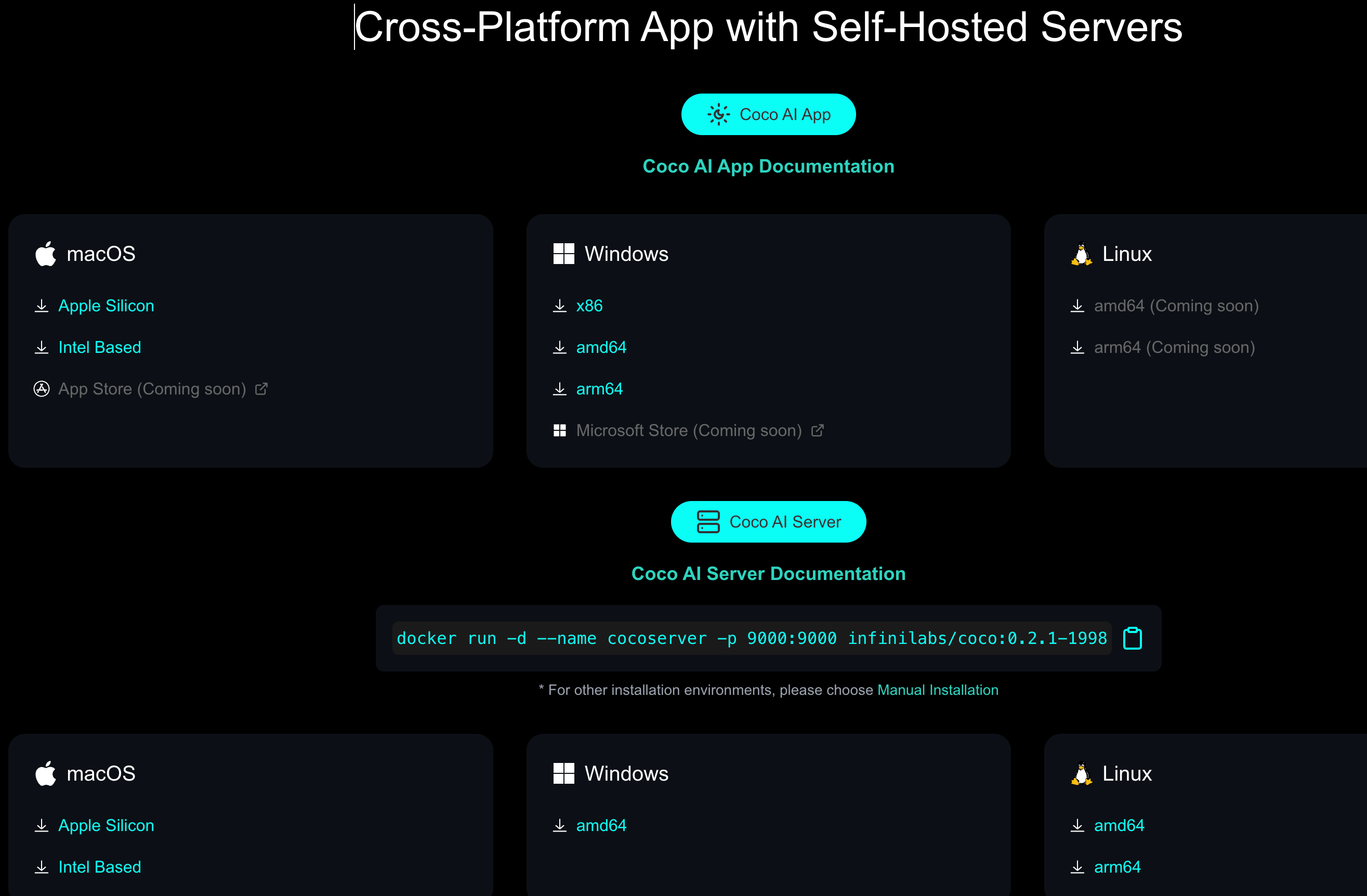
我们先来用 Docker 启动服务端,一行命令搞定,不需要再传递负载的命令行参数,也无需在启动 Easysearch。
docker run -d --name cocoserver -p 9000:9000 infinilabs/coco:0.2.1-1998
服务启动在 9000 端口,那么在浏览器中打开欢迎页面:
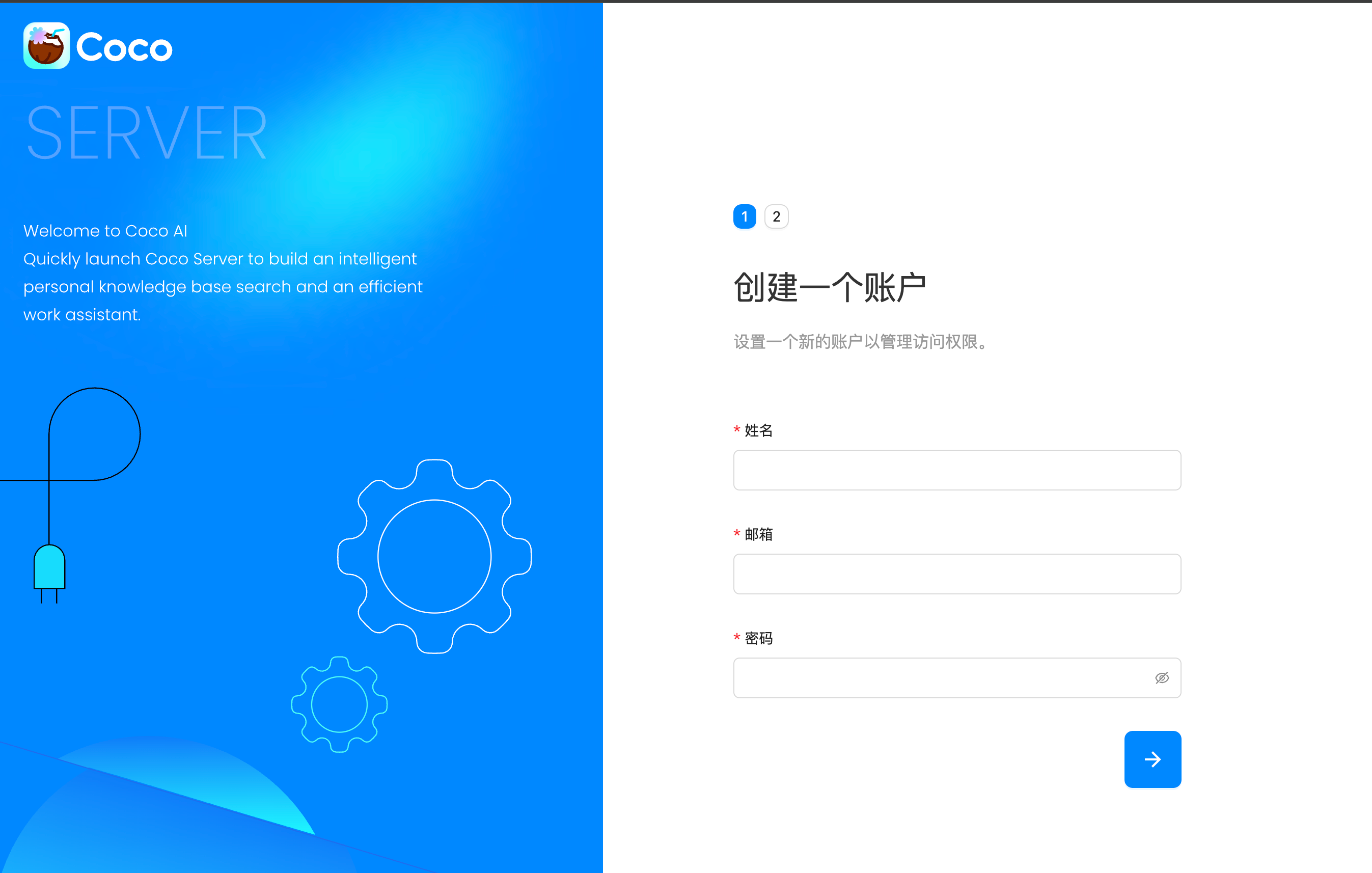
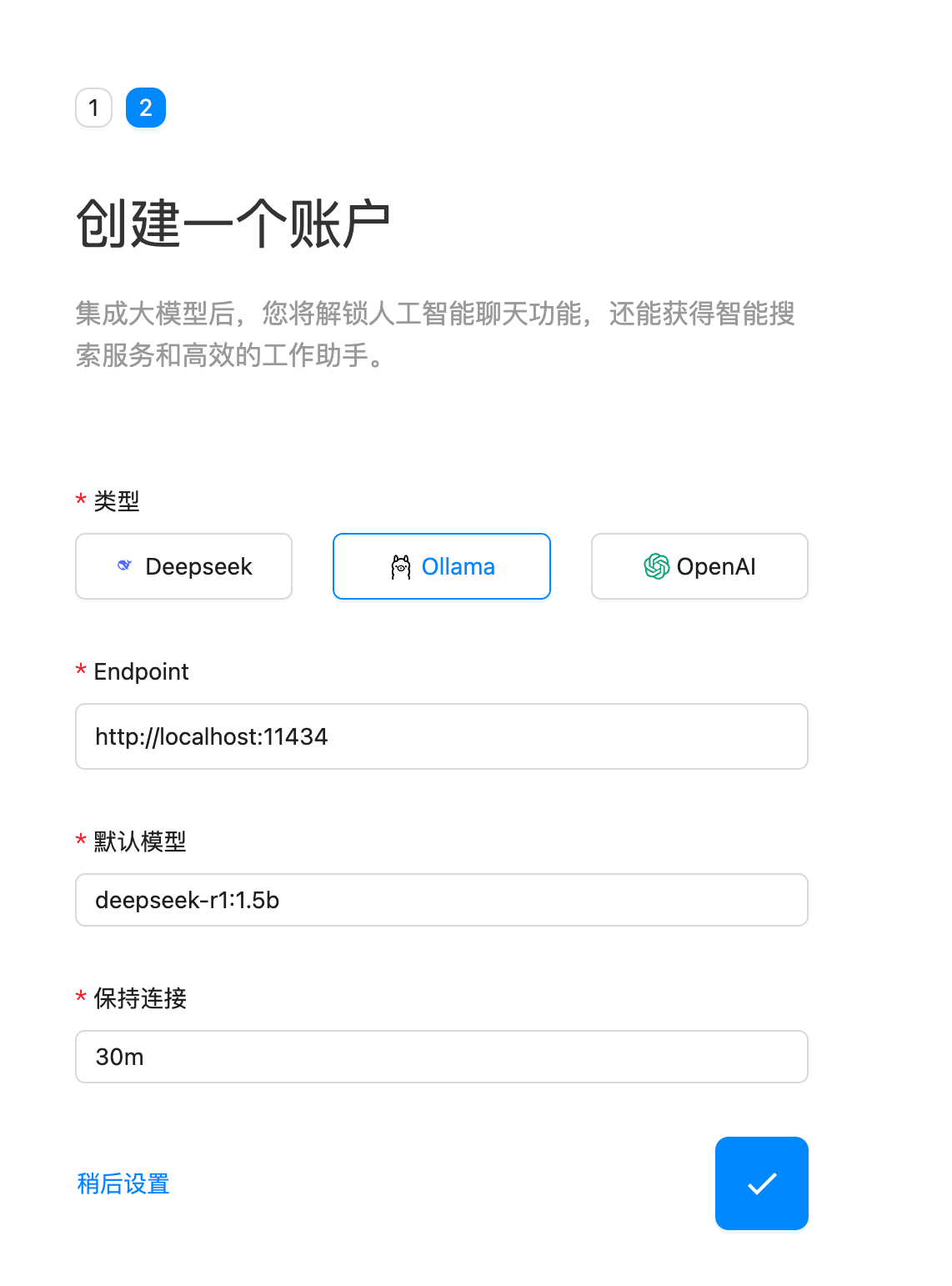
创建账户,选择模型,和之前一样,我还是选择本地部署的 ollama 并且使用 deepseek 模型。
 设置完成后我们看到主页面,我们的目的是添加数据源,这样就不用使用复杂的请求。
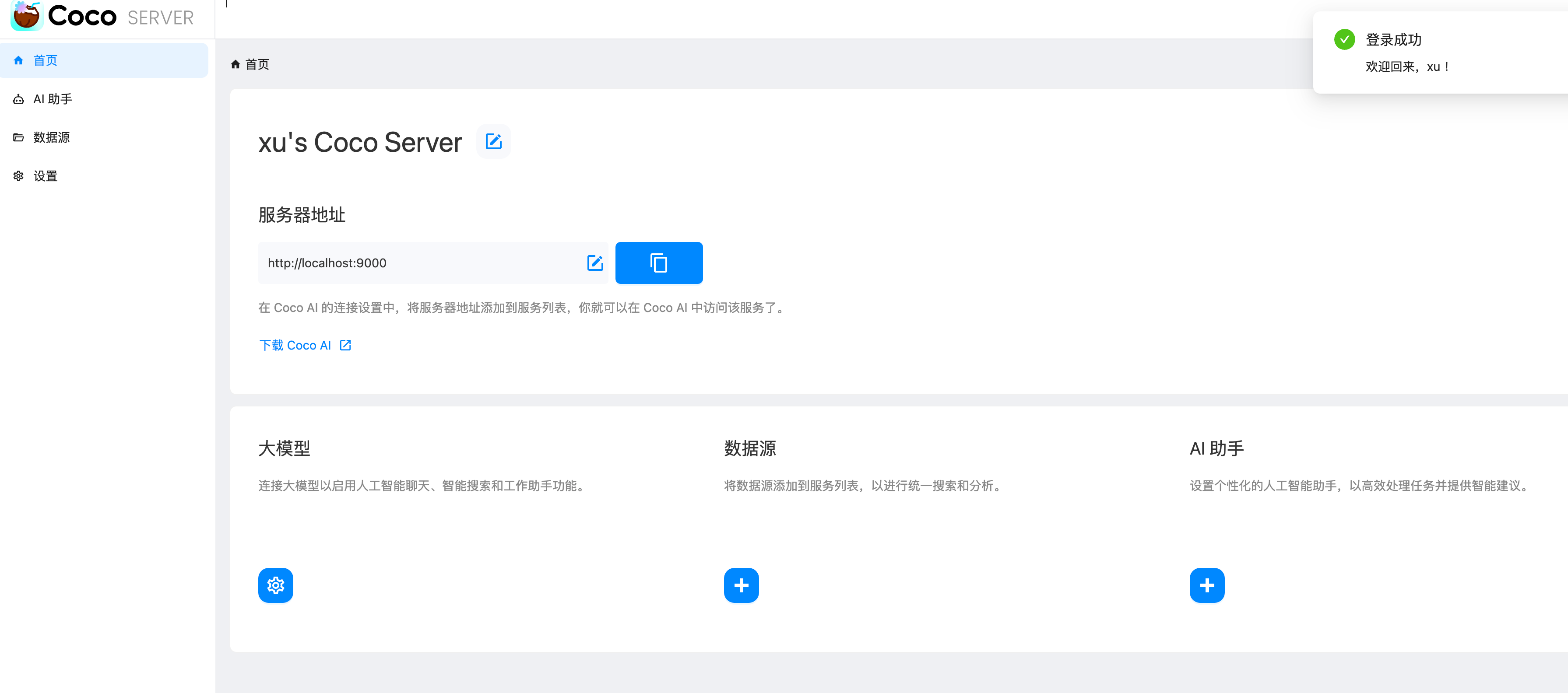
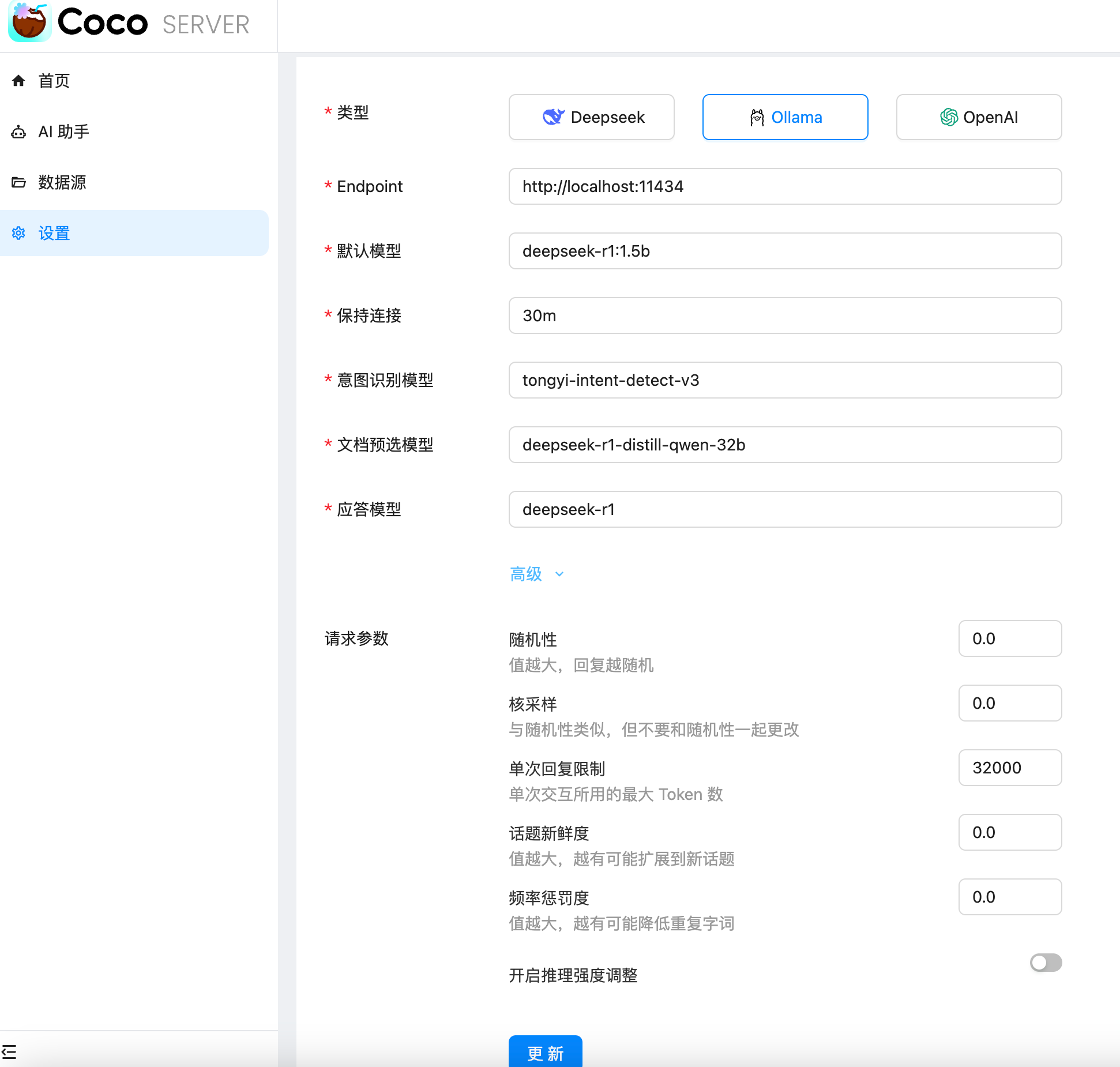
可以进一步设置 LLM 推理后端:
AI 助手这个功能还在开发中,后续可以期待一下。
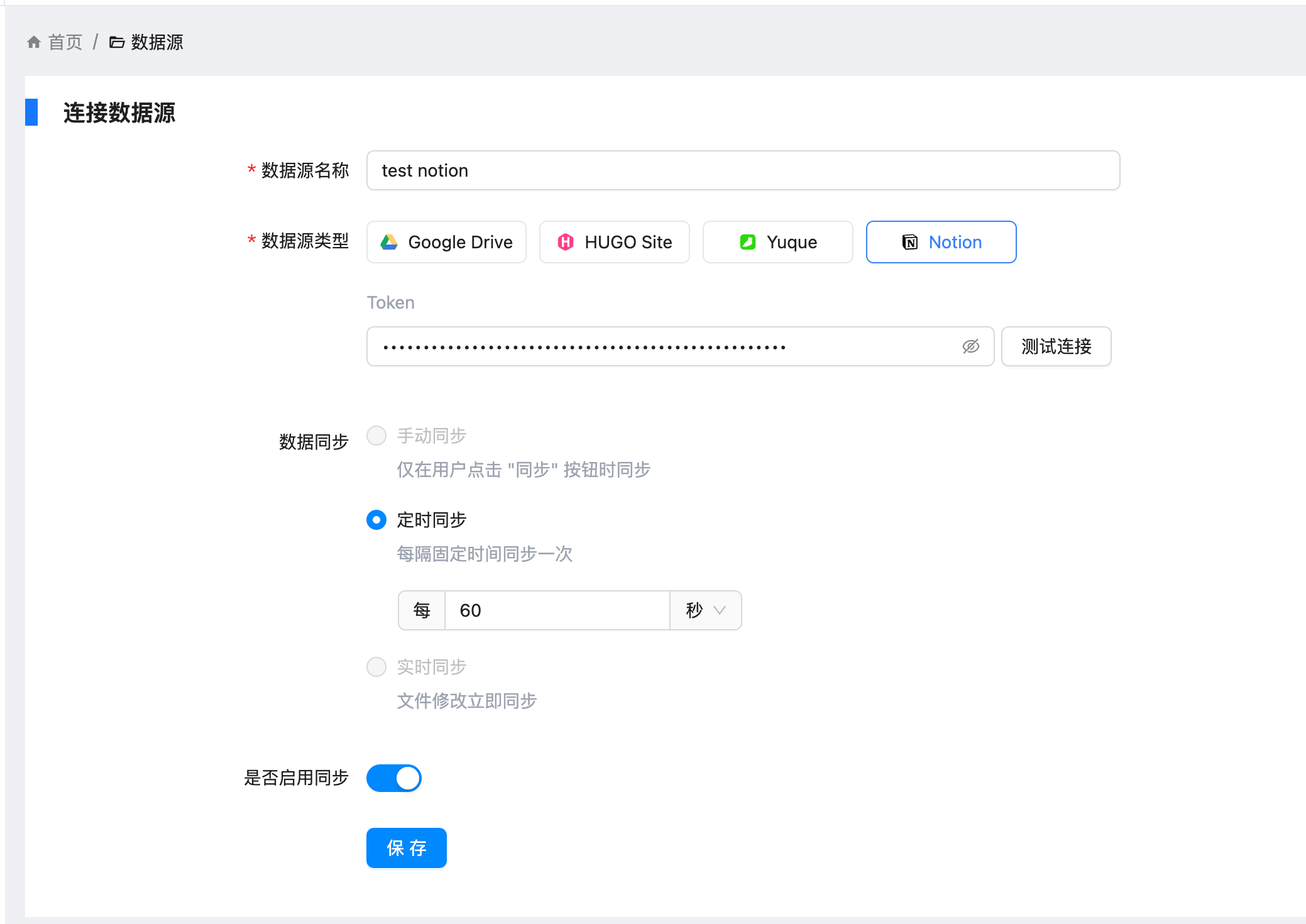
连接数据源这里我认为是最大的亮点之一,不用再想之前改配置文件了,需要做的事情简单,以 Notion 为例简单填入 Token 和设置刷新时间即可。后按与 Notion 数据源的详细配置,可以回看之前写的《打造智能语料库:通过 Coco AI Server 实现 Notion 笔记 RAG 检索功能》
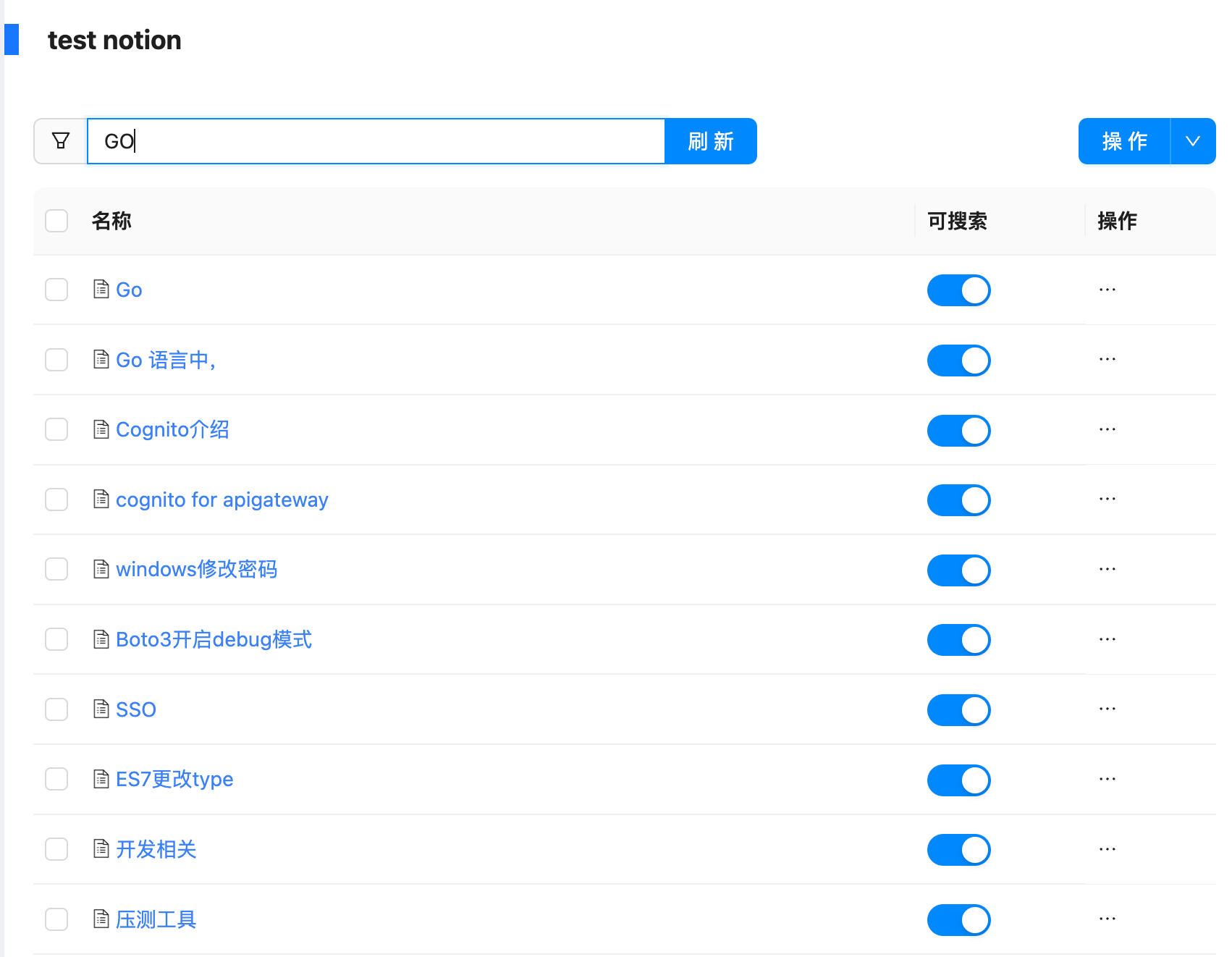
过了一会就可以在数据源中刷新出来的文档了,目前 Notion 只导入了标题,后期后导入具体内容的计划。
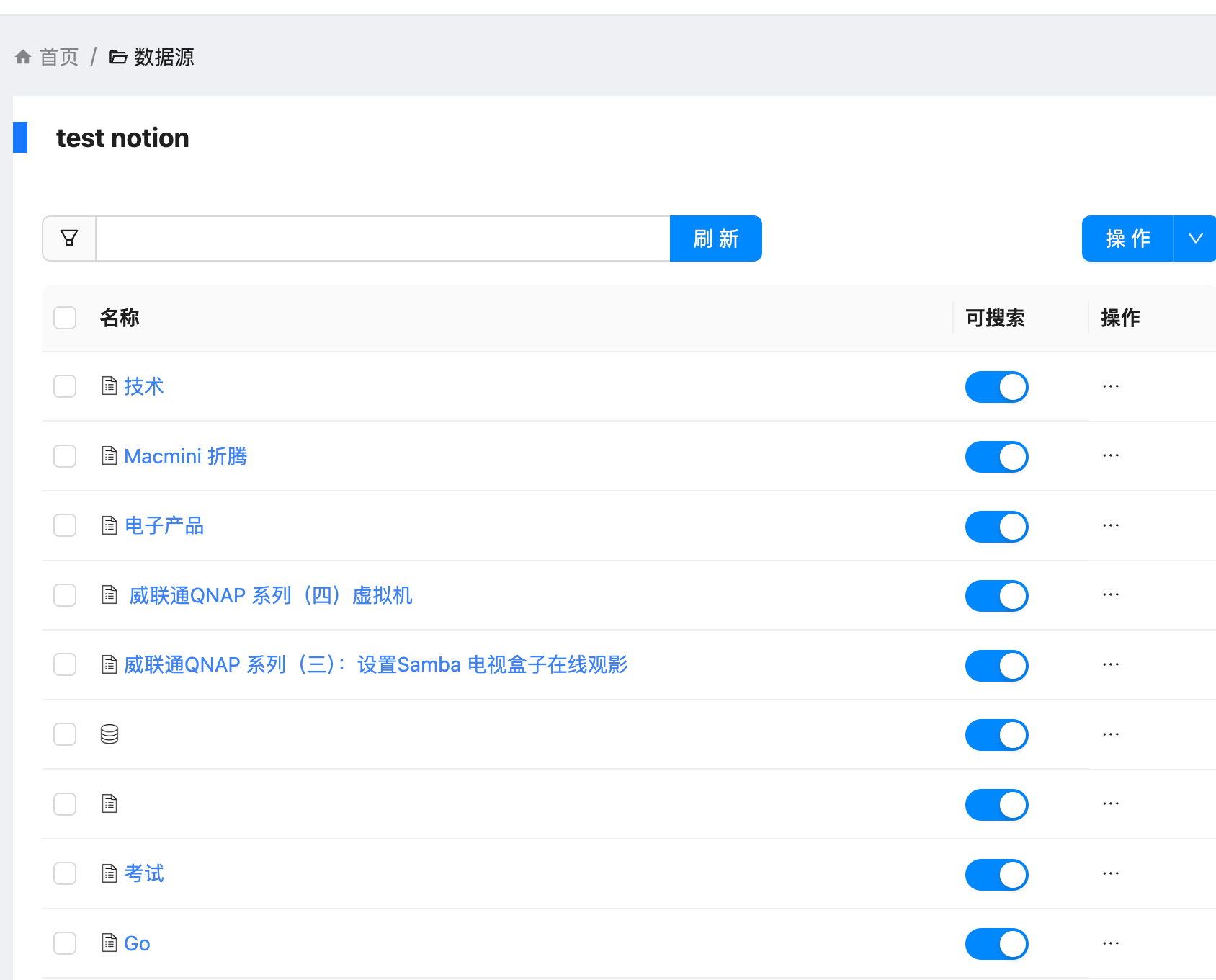
甚至还可以在这里进行搜索,小小的站内搜索吧。
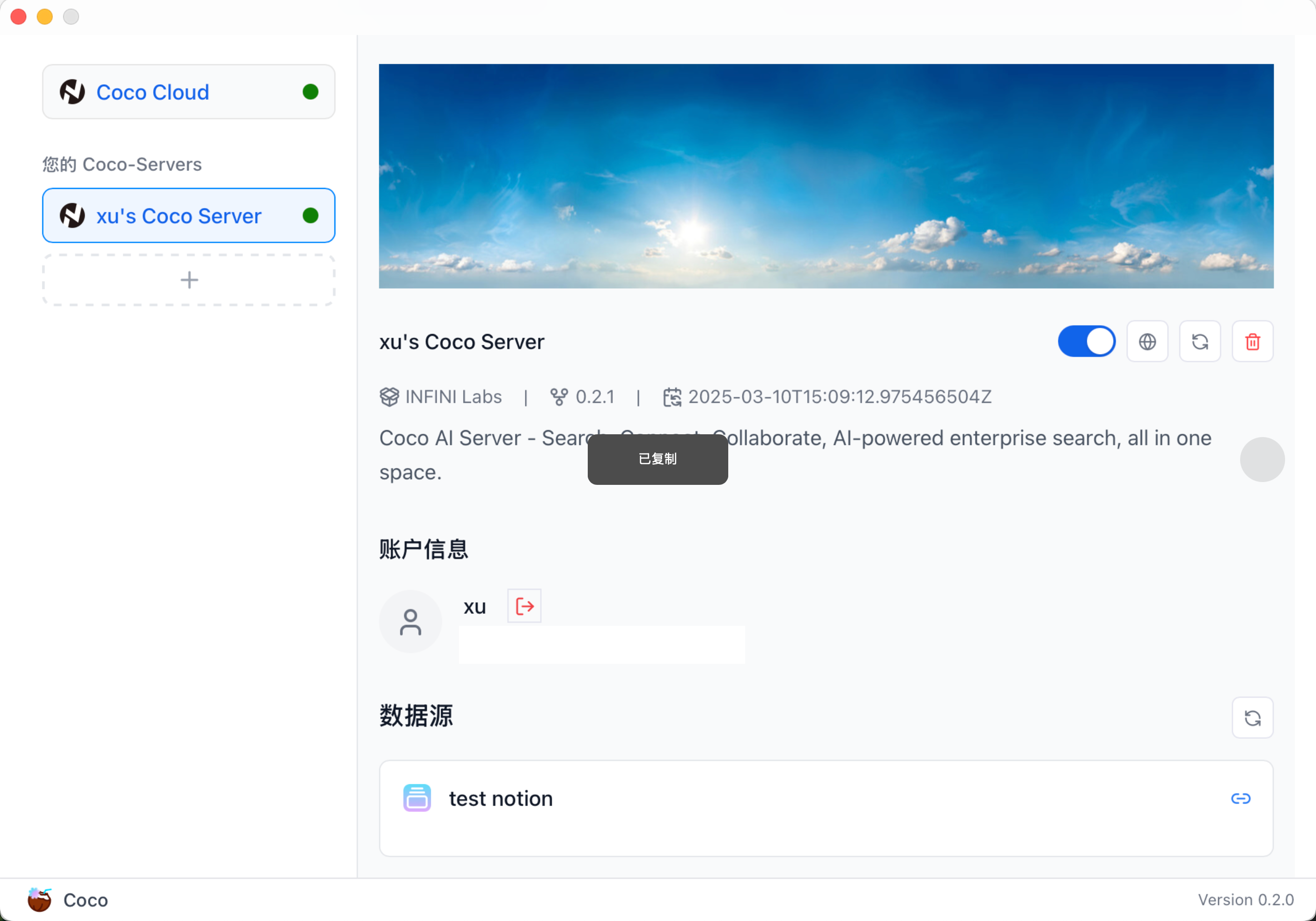
然后回到客户端,进行登录,同时也支持暂时关闭不再需要的数据源。
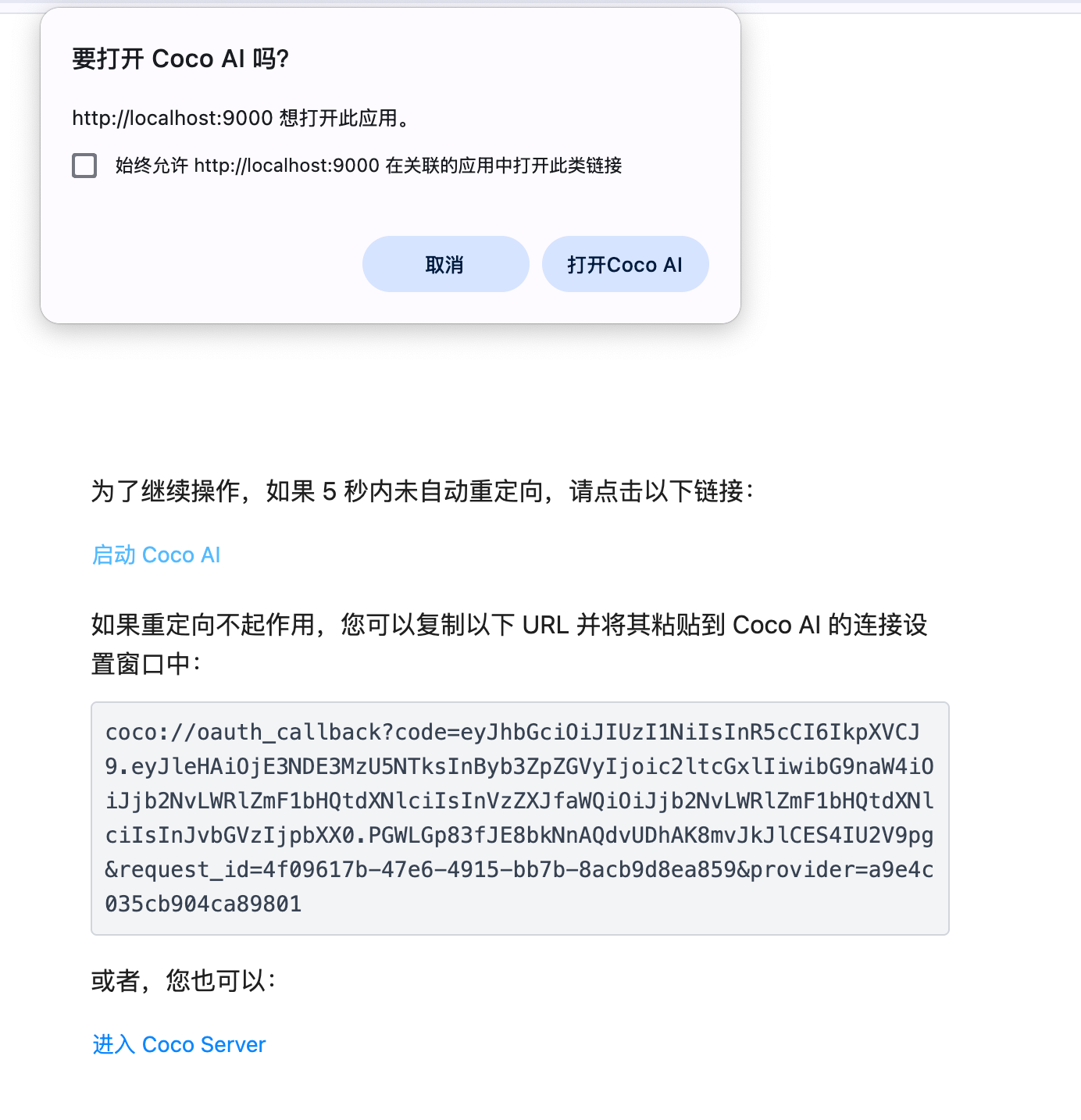
登录这里不再需要手动抓 token 了,直接重定向,很方便。
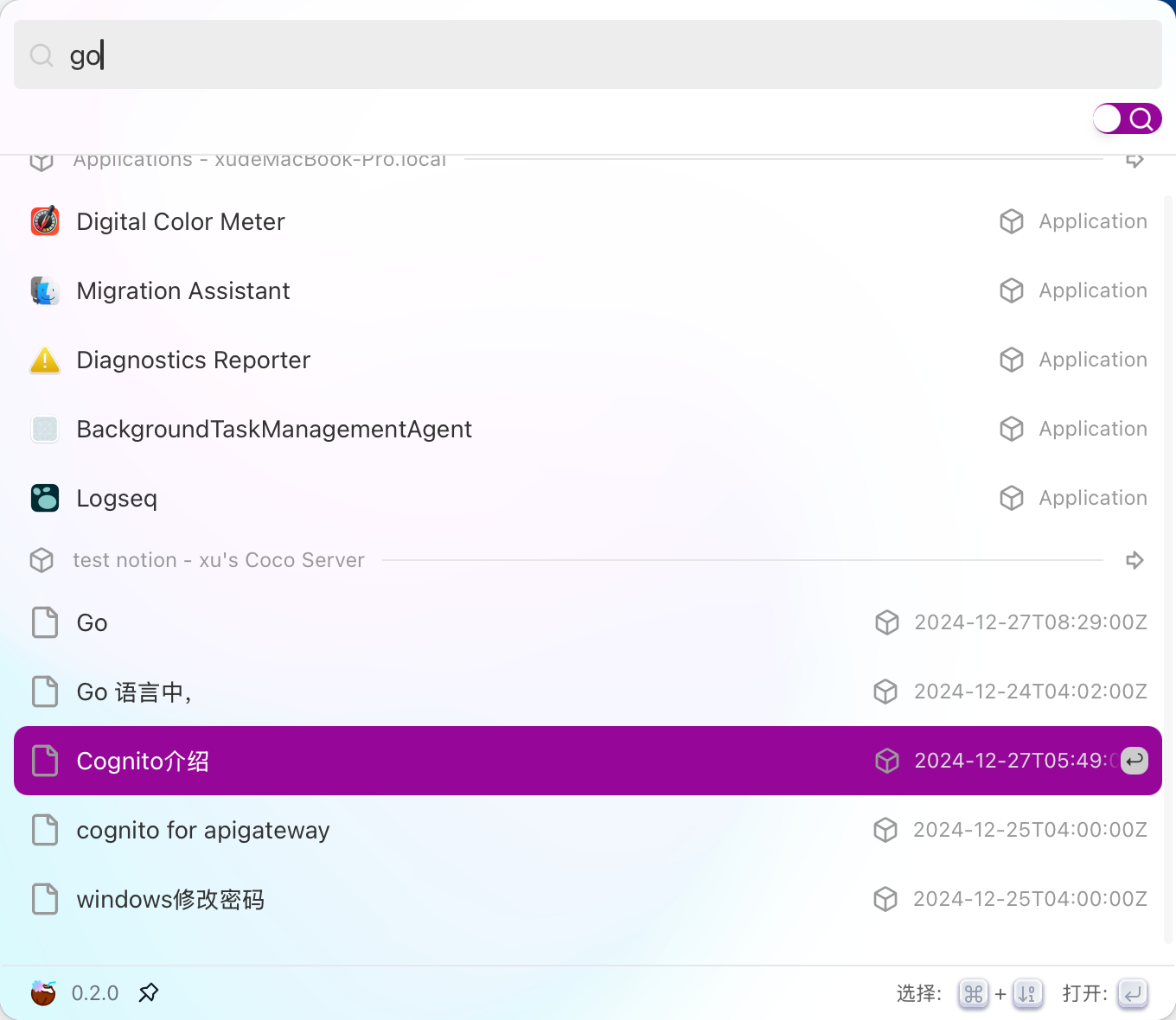
登录之后,和之前一样检索,总体来说比之前省心很多。
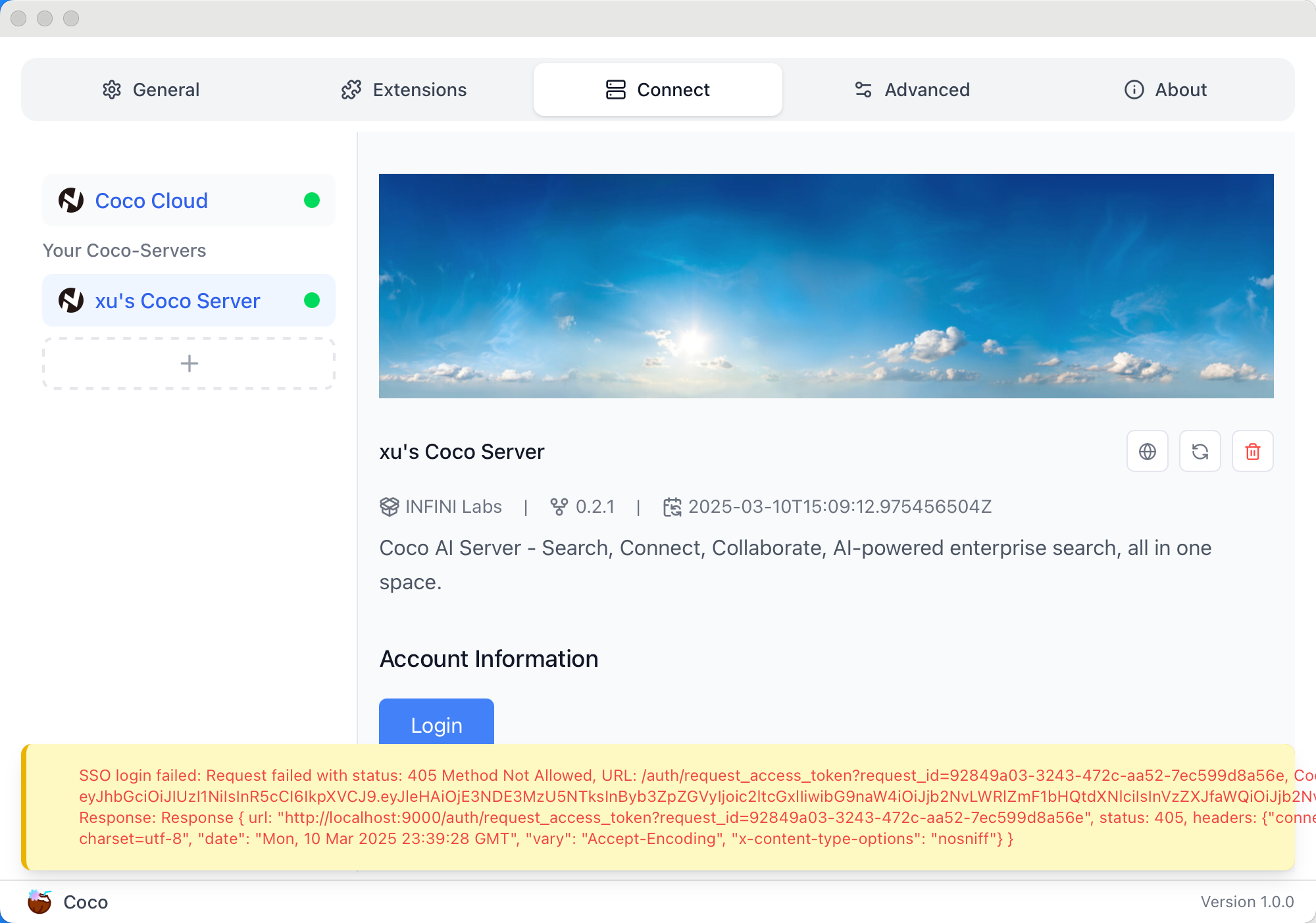
我之前使用的是 0.1 的版本,再登录之后会遇到这个错误,只要重新安装最新版本的客户端就好了。
升级之后同样这个 chat 也进化了,还支持深度思考。由于这里我只导入了文档的标题,所以它也只给我回了文档。
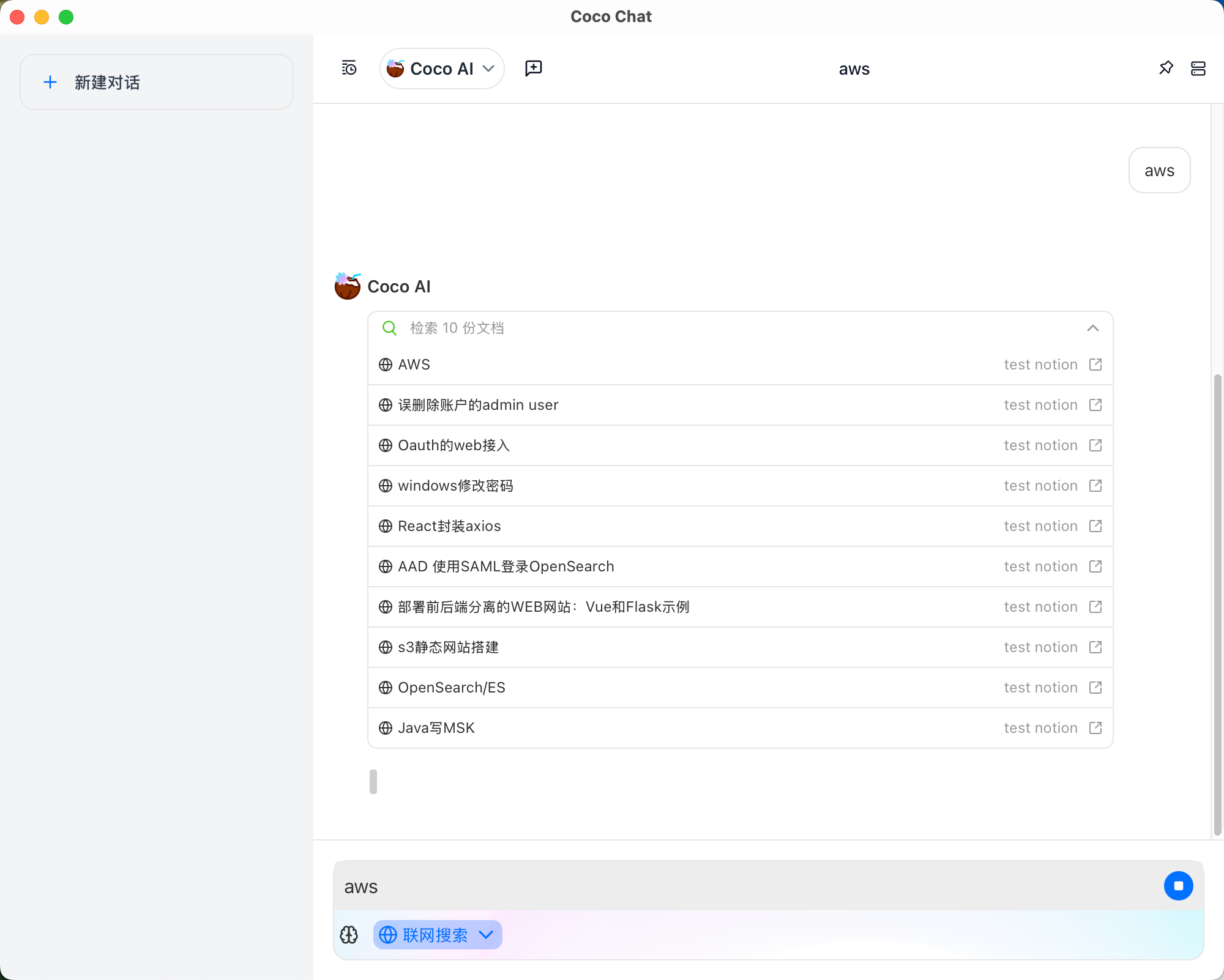
这次更新体验直接提升了一大截,精简了很多配置,也简化了登录信息。感觉差不多下一步可以把这个服务部署到 NAS 上做日常使用了。
评论
0暂无评论